




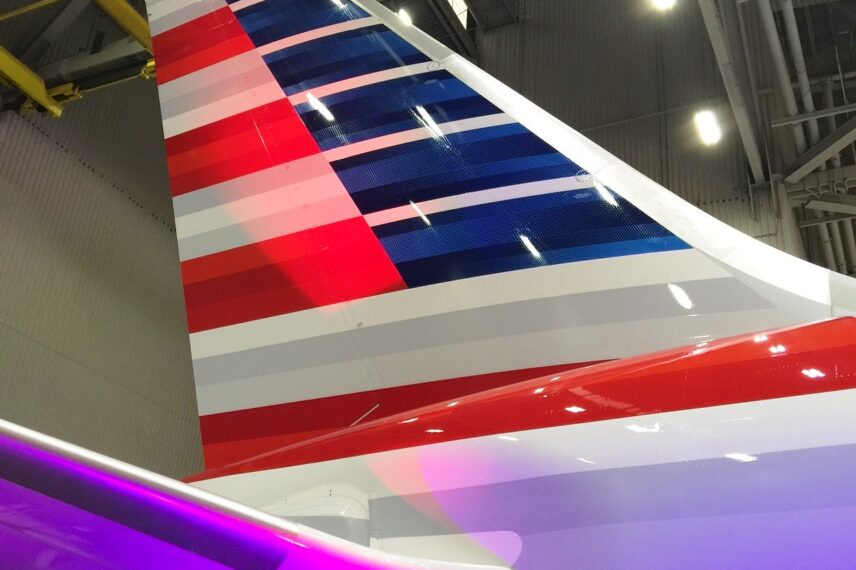

I got lucky today! I grabbed a seat on one of the American 787 Dreamliner inaugural flights. The Same Day Change feature came through yesterday, allowing me to grab an open seat on the return ORD-DFW segment.
And I’m awfully glad I did. An inaugural flight was a bucket list item for me. But I also learned something of critical importance to me (and maybe to you!)
FINISH your cell phone calls and data work BEFORE you board the flight.
I lost my cell signal immediately after boarding. After that, I was unable to maintain a viable cell signal while still on the ground in Chicago. I chalked it up to a strange location on the airport grounds. Or perhaps it was a lot of inaugural flyers all trying to upload videos and finish calls. Quite a few passengers around me were experiencing the same cell phone signal issues.
But then upon landing, I had the same issue on both my iPhone and iPad – and it persisted even after I tried all my usual tricks. When I thought about it, I had the same issue last week at the 787 preview event (and then I chalked it up to being inside an airplane in a hangar).
The truth comes out
One of the testing technicians from Panasonic (the manufacturer of some of the 787’s cabin systems) was sitting behind me. As we chatted before deplaning, I asked him whether the 787 cell phone issues were my imagination or a real issue.
He let out a bit of a laugh and said, “Yes, that’s a known problem.” I trust him to know. Their team has been flying the 787s for all of their pre-passenger testing. He said that he and his colleagues have experienced the problem firsthand. They determined that 787 cell phone interference is real.
It turns out that the 787, while fabricated from composite materials, uses a wire rebar for structural integrity. Apparently, that rebar interferes with cellular signals on the plane. He told me that AT&T customers had been known to have issues on the 787. He did add that some of his colleagues had better luck with T-Mobile phones.
While my signal came and went, I definitely had trouble holding a steady connection – and I never got LTE or 3G/4G connectivity during the duration of my time onboard on the ground in either ORD or DFW.
The important lesson I learned?
Don’t board a 787 early and expect to have connectivity during boarding or delays. I’ll finish my important calls before I jump on the plane and won’t rely on gate time to download a few final files. 787 cell phone interference will definitely change my pre-flight patterns!

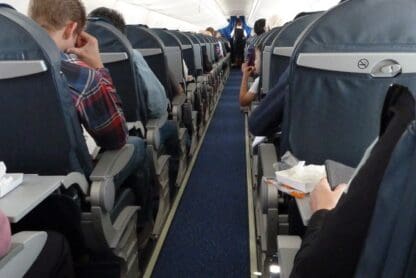

It’s basically a faraday cage on wings…
https://en.wikipedia.org/wiki/Faraday_cage
I’d guess maybe the conductive mesh in the composite skin (used as lightning protection) may likely be providing that neat Faraday cage result of blocking radio signals of cell phones from leaving the aircraft. Or maybe not…
It seems it is a very well-known fact that 787s have this problem. I have flown 787s on LAN and British Airways and had no connectivity while sitting in the First Class or Business Class section. Connectivity got better near the emergency exits (on LAN, that is row 20-22) but it was still spotty. Did not try the onboard wifi though.
If you have an old house like mine, Wi-Fi doesn’t work for the same reason: old plaster walls have a chicken-wire backing that kills the signal.
So far as I know, no one else but you has posted about this issue.
UA flier here – I’m flying the 787 every week from IAH-DEN and I can attest to the same issue with my AT&T phone not getting any signal while on board….but that’s not a bad thing! less idiots (actually NONE today) yacking it up before takeoff and on arrival — hopefully more aircraft are designed like this is in the future! 😉
but how about wifi signal from airport wifi?
is same issue or only with 3G/4G signals is the problem.
You have an issue with the electrochromic dimming windows too. Basically the entire B787 is a Faraday cage on wings, including the windows, that won’t let you use your devices if you don’t pay for the onboard connectivity service.